
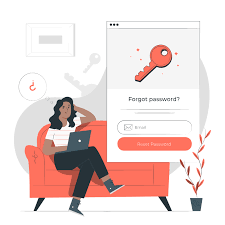
Having issues after you created an account and cannot login?
CloudCertificationStore.com uses payhip.com as its ecommerce platform. You might see 'PayHip' while you navigate the site to recover your password or in the emails.
Go to https://payhip.com/CloudCertificationStore/users/login
Click the Forgot password link
An email will be sent to you.
Review your email account, find the email and follow the instructions. Make sure you check your Junk or Spam folder.
Click the link, the reset your password page will show up.
Change the password. Write it down so you do not forget it.
Click Get new password.
You will see a confirmation page.
Notes:
- Make sure you enter the email address that you used for your purchase.
- If you did not download a free material or purchase yet, you can also use a different email and create a new account.
Comments ()